Cloud agents overview
Cloud agents run remotely instead of on your machine. Describe a task, start a run, and the agent keeps working after you close your laptop — editing code, running tests, and opening changes for you to review when it finishes.
Think of it as handing off a task to a teammate in the cloud: you set the goal and check the result on your schedule. Your organization controls which repositories, secrets, and network access each run can use. See Security & network for admin controls.
When to use cloud agents
Use cloud agents when the job is long, parallel, or event-driven. Use the local agent when you want tight, interactive iteration in your IDE.
In practice
Results arrive as chat history, terminal output, diffs, commits, or pull requests — the same review mindset as local work. See Agent security for approvals and sensitive operations.
How it works
Start a run
Open the Agents workspace, describe the task, and pick the repository and branch. You can also start from an automation or a connected integration such as GitHub.
It runs remotely
The agent works in an isolated cloud environment with your repo, setup commands, and the permissions your org allows. You can watch progress live or check back later.
Monitor progress
Follow messages, terminal output, and file changes as they stream in. Admins can use Sentinel for org-wide visibility when many runs are active.
Review the result
When the run finishes, inspect the diff or pull request, read the summary on the Review tab, and accept, follow up, or discard — just like local agent work.
Cloud vs local agents
Try a short, well-scoped task first — for example, "add a unit test for parseDate" — before
delegating a multi-hour refactor. Confirm setup and repository access
work as expected.
Why cloud agents
You still review before merging. Cloud agents extend reach and duration; they do not bypass your team's approval habits.
What you need before starting
Connect a repository
Install the GitHub integration and grant access to the repos cloud agents should use. See Setup for environment and secrets.
Confirm org allowance
Cloud runs consume usage under your organization's plan. If a run cannot start, check Usage or ask your admin.
Review network access
If the task needs package installs or external APIs, confirm required domains are allowed. See Security & network.
Agents Window
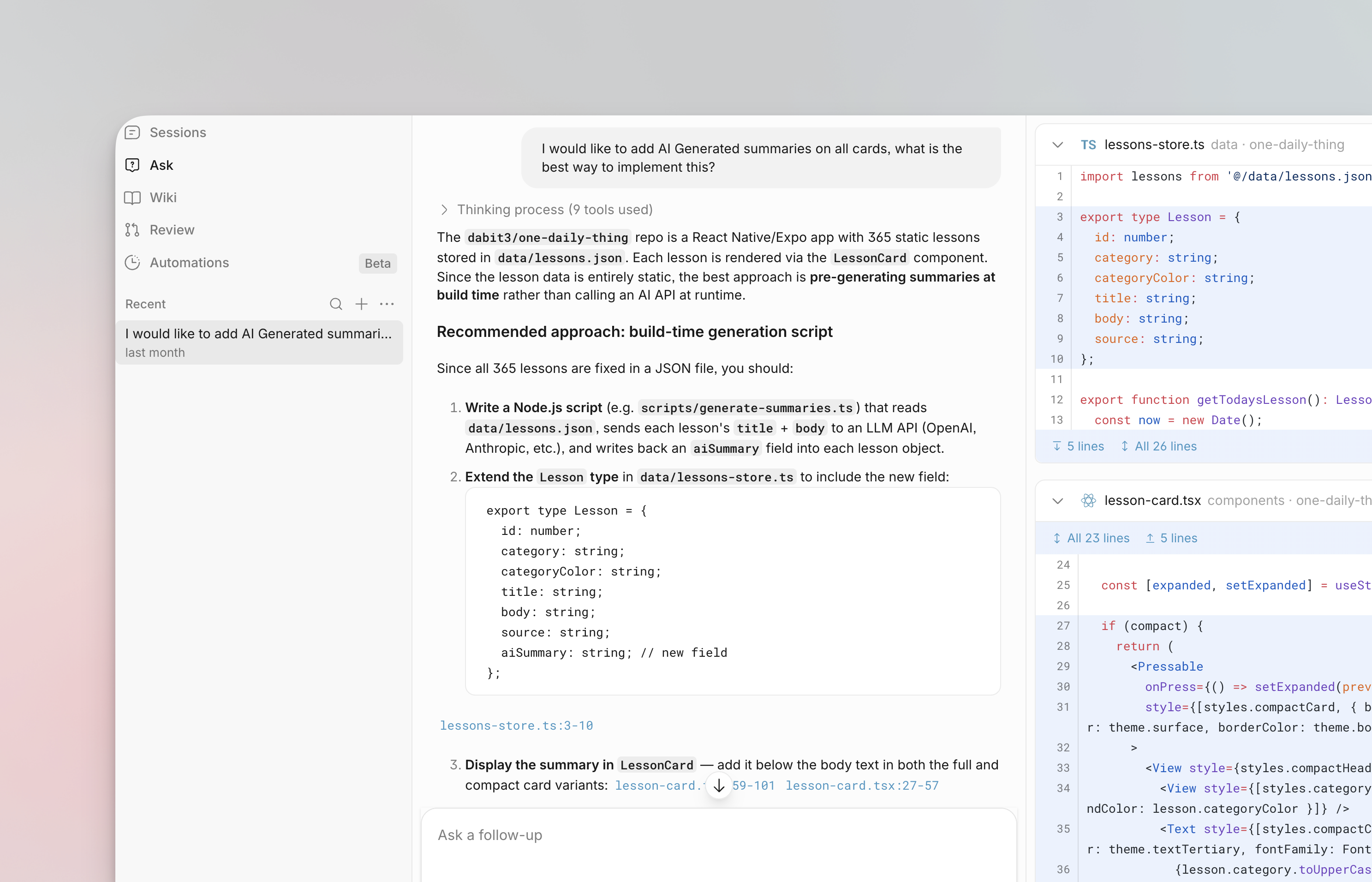
The Agents Window is 4RGE's cloud workspace at 4rged.ai/agents — where you start remote runs, follow progress, and reopen past work. Unlike a local IDE session, cloud agents keep running after you close your laptop.
From here you can start a New Agent run, manage Automations, browse Recent runs, and open a live Run view with chat, git changes, and terminal output.
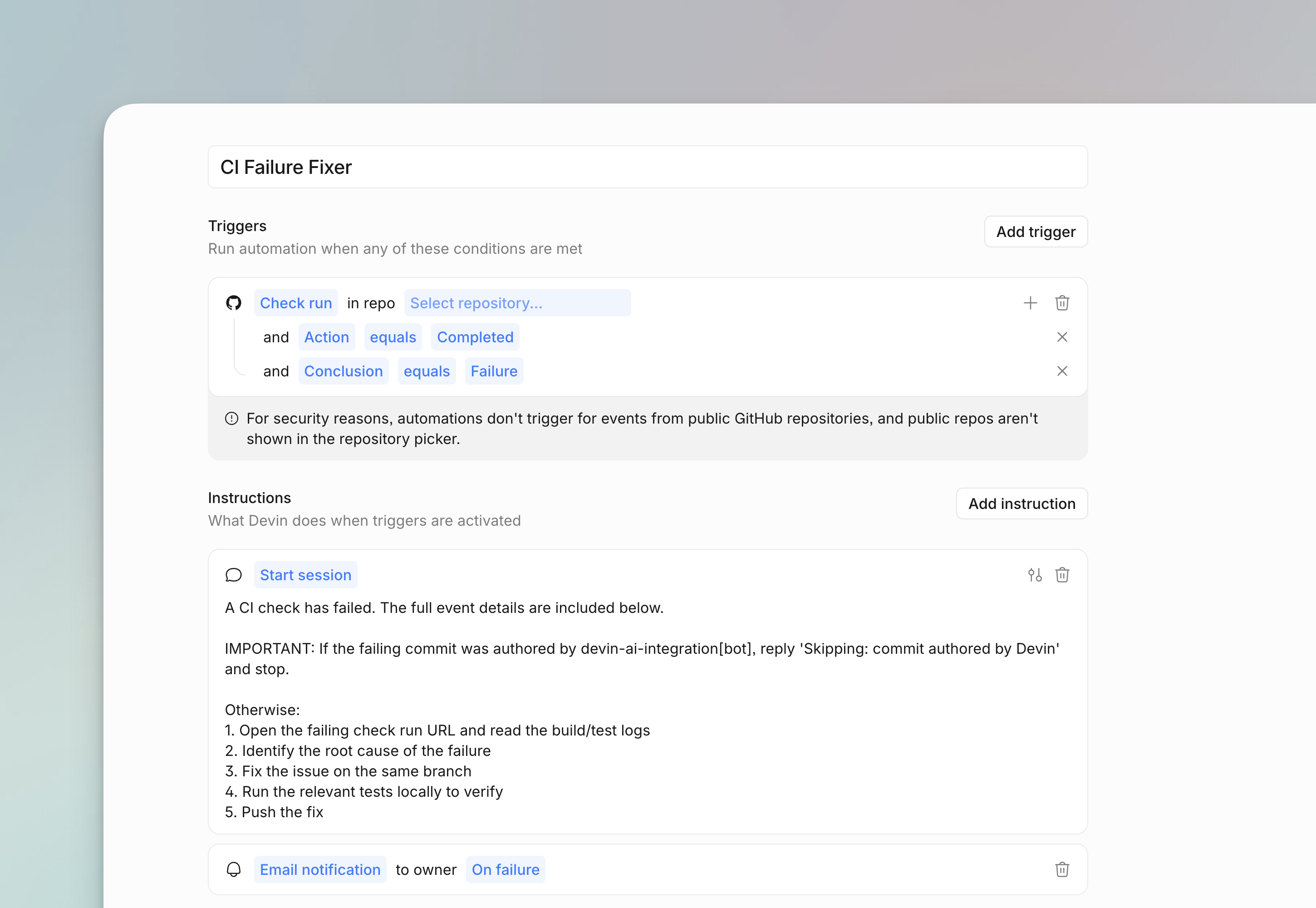
Automations let you trigger cloud agents on a schedule or from events — for example when a pull request opens or a check fails. Configure triggers and templates without leaving the workspace. See Automations for details.
Agent Review
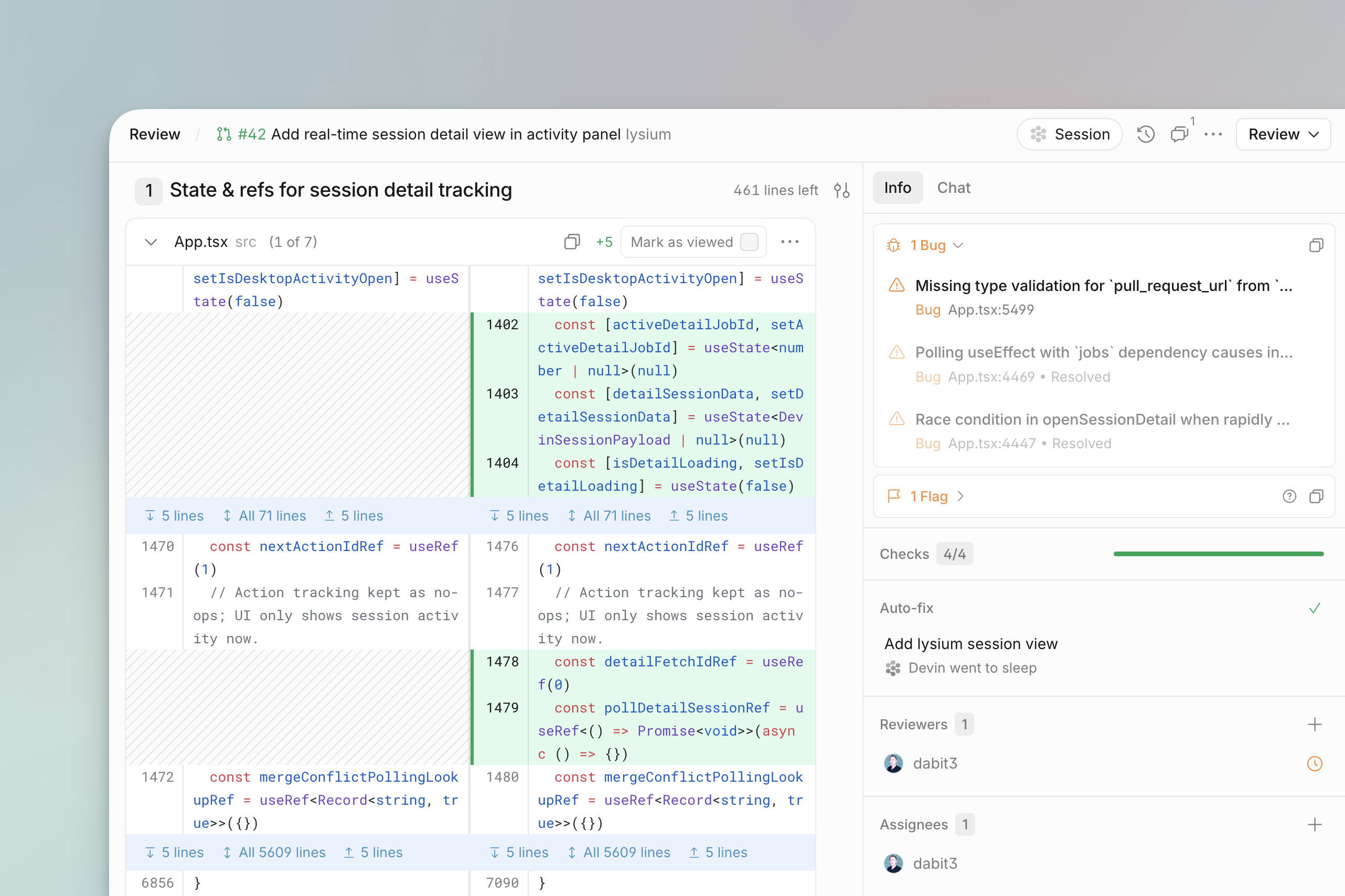
Agent Review is how you evaluate what a cloud agent produced before merging or discarding its work. On an open run, use the Git panel:
Diff vs Review
Use both together:
- Diff — inspect every file change before you merge or ask for follow-ups.
- Review — read the condensed summary when you want the big picture quickly.
The same approval mindset applies everywhere: sensitive actions wait for your OK, and changes arrive as reviewable diffs. See Agent security.
Automations and review runs
Automations can start runs that review pull requests when events
such as pull_request opened fire. The agent does a first pass; you validate the result in
Diff and Review.
Auto-review is a separate desktop setting that reduces tool-approval prompts during local runs. It is not the Git Review tab in Cloud Agents.