Changelog

Canvas Design Mode and Context Usage Report

With canvases, agents can create interactive artifacts like dashboards, reports, and internal tools that you can share with your team.

This release introduces Design Mode for faster canvas editing, new ways to understand context usage, and other quality-of-life improvements.

Design Mode in canvases

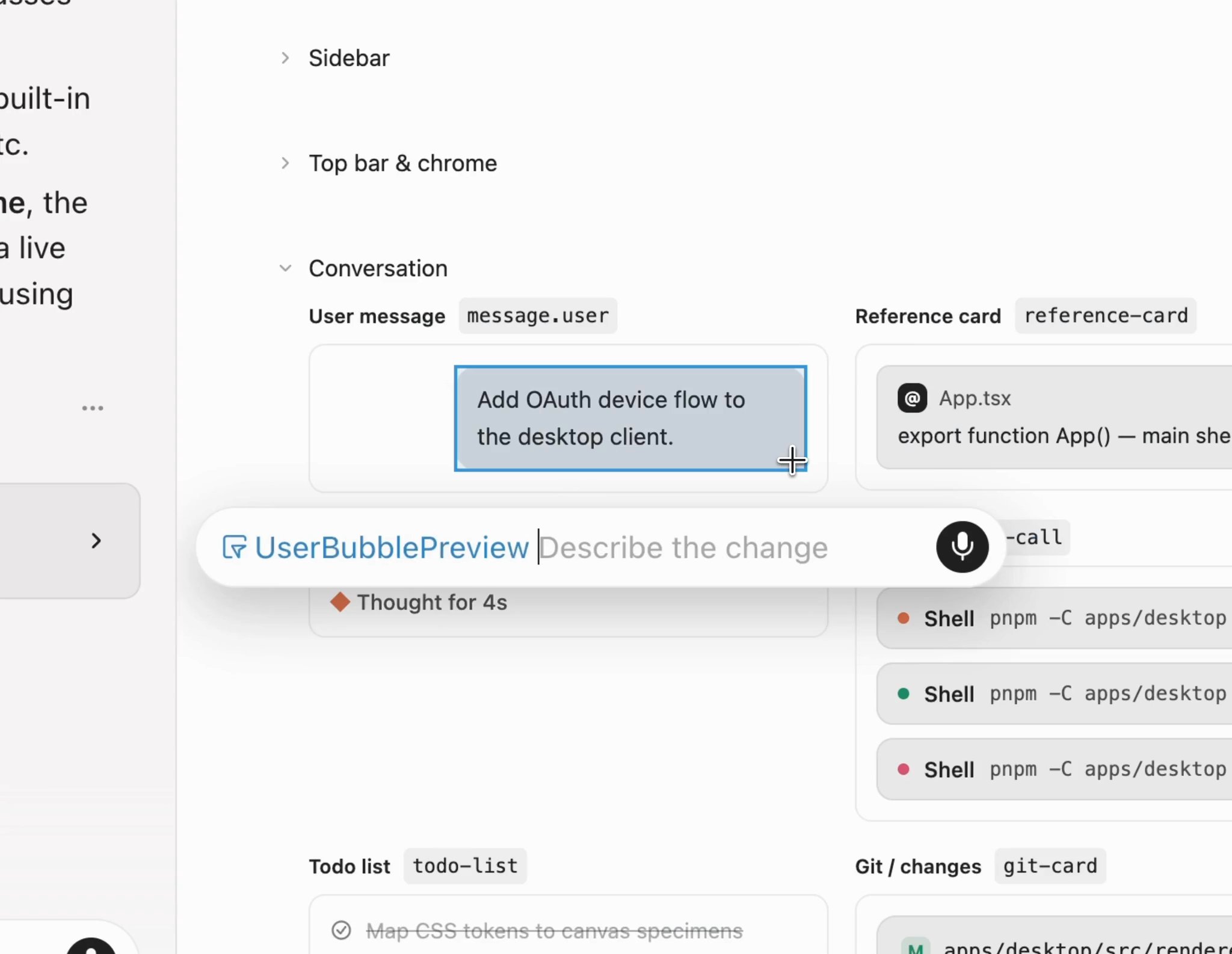
Design Mode is now available in canvases.

Select and annotate UI elements directly in a canvas to guide 4RGED's edits, just as you would in the browser. Instead of describing the change in text, you can point to it, provide feedback, and iterate more quickly.
Context usage report in canvas

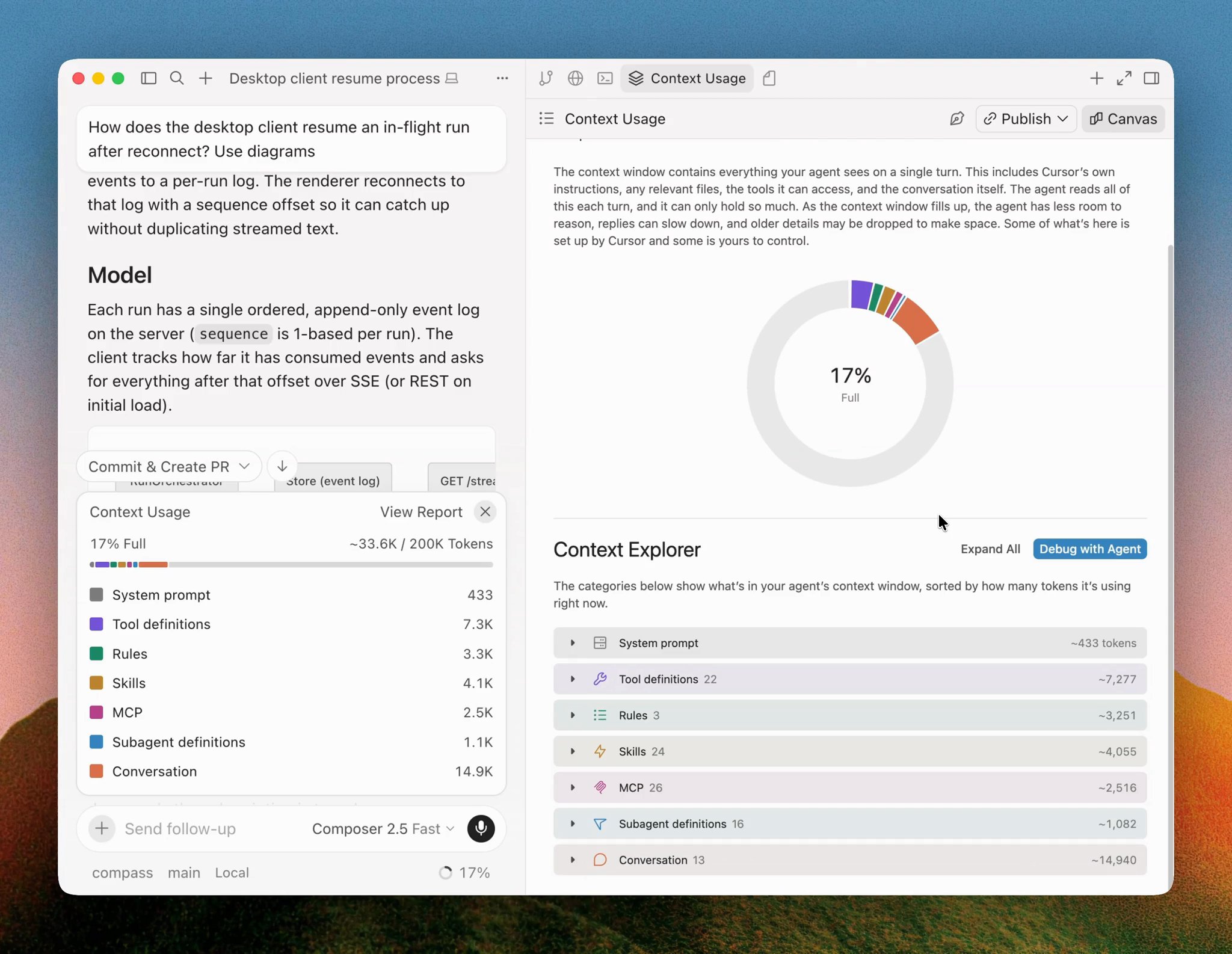
4RGED can now show your agent's context usage as an interactive report in a canvas.

The context explorer breaks down where tokens go across the system prompt, tool definitions, rules, skills, and more. Because it's a canvas, you can ask the agent follow-up questions, and it can customize the report to answer your specific questions.

Click the Debug with Agent button embedded in the canvas to ask 4RGED to identify opportunities to reduce context usage in a new conversation.
Organizations for 4RGED Enterprise

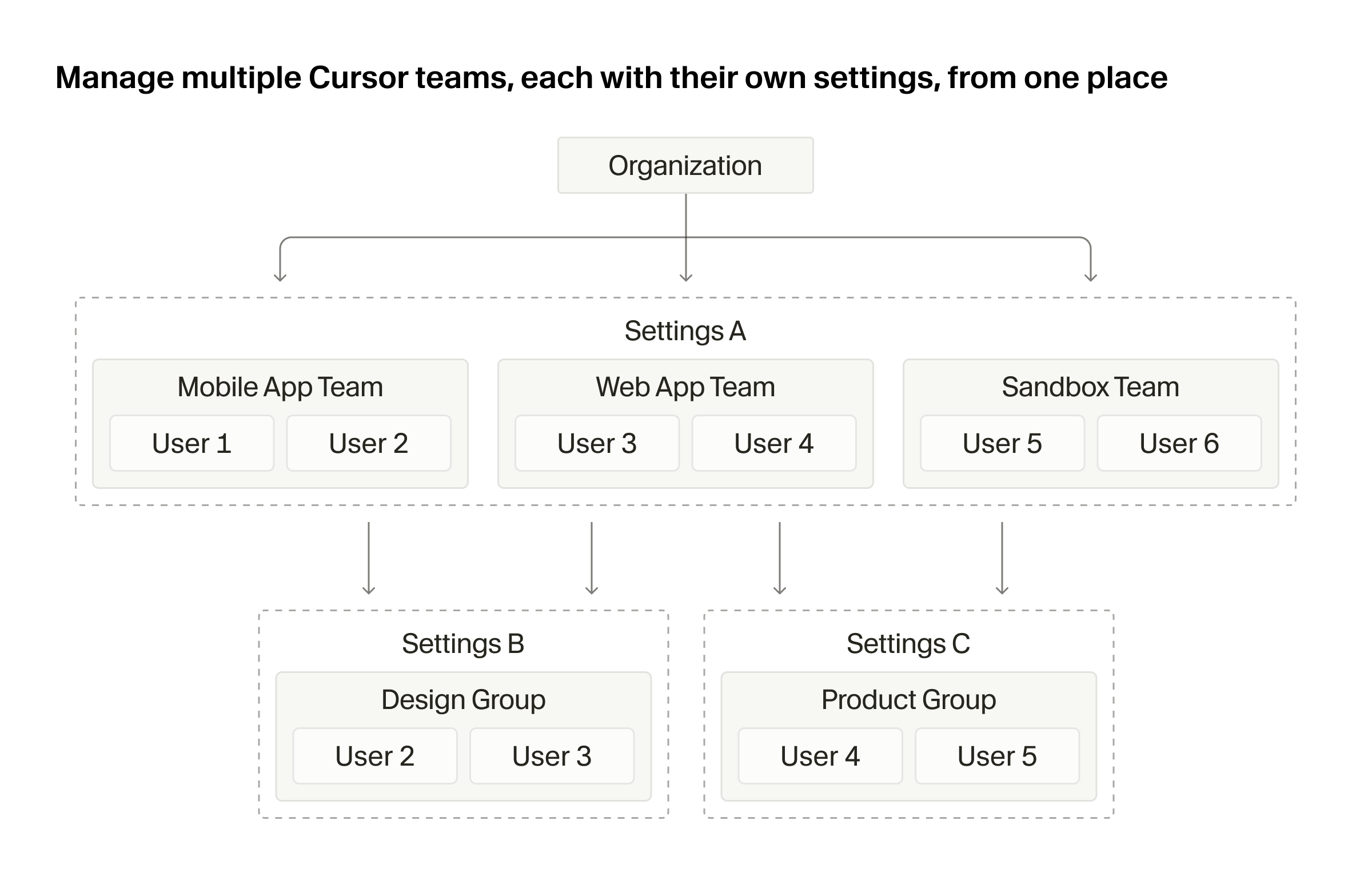
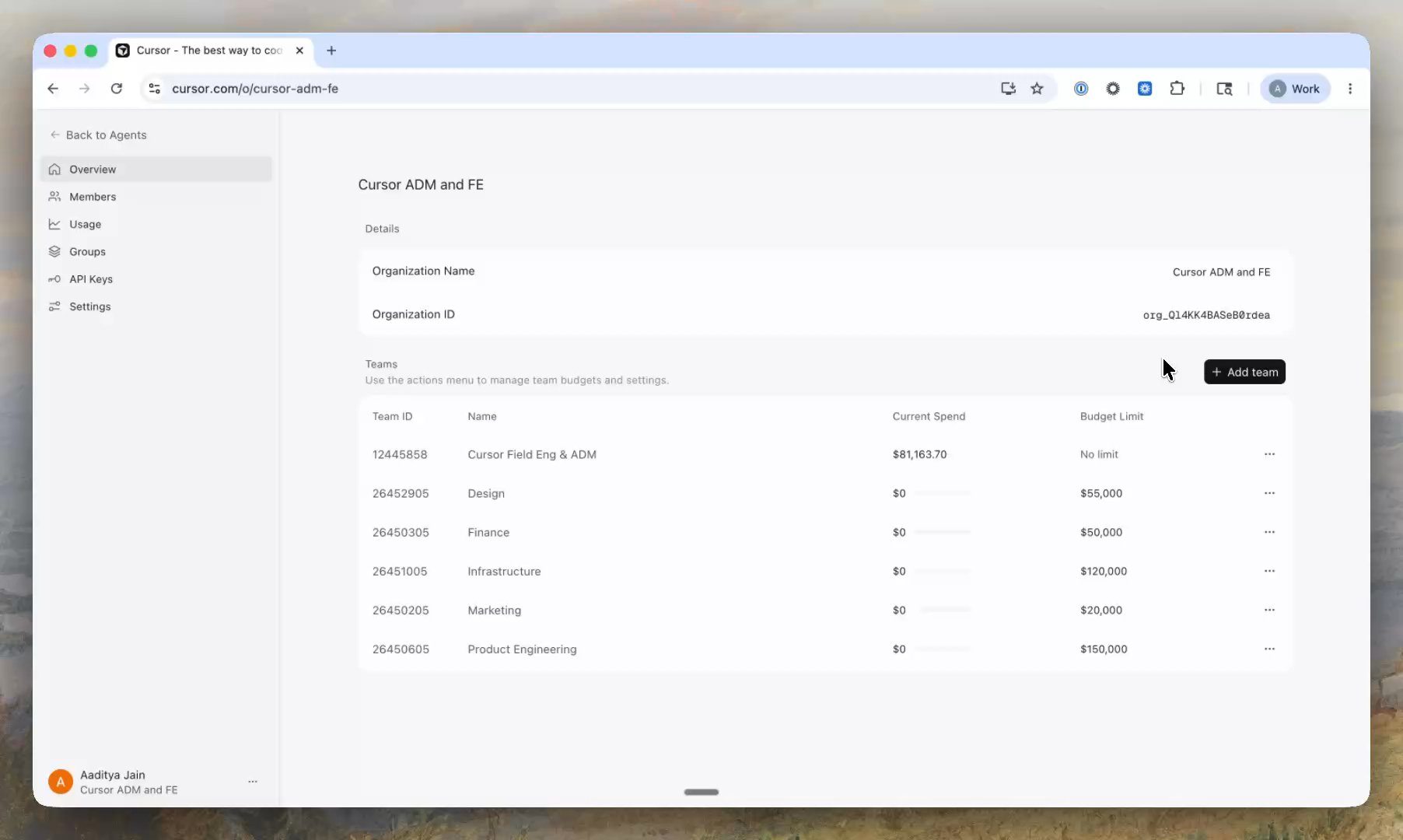
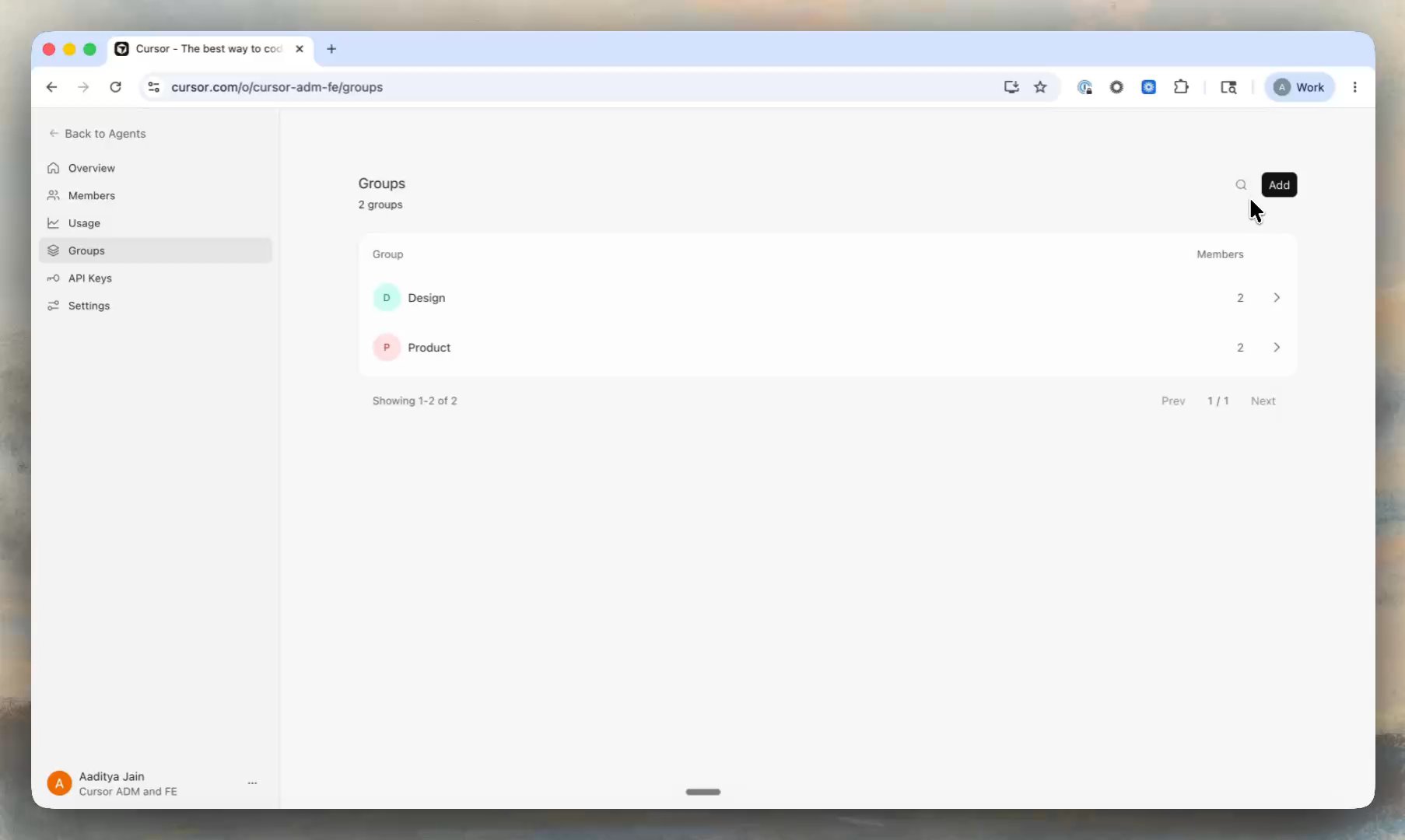
Enterprise customers can now manage multiple 4RGED teams from one place, with different security, governance, budget, and feature controls for each. These capabilities are now generally available to all Enterprise customers.

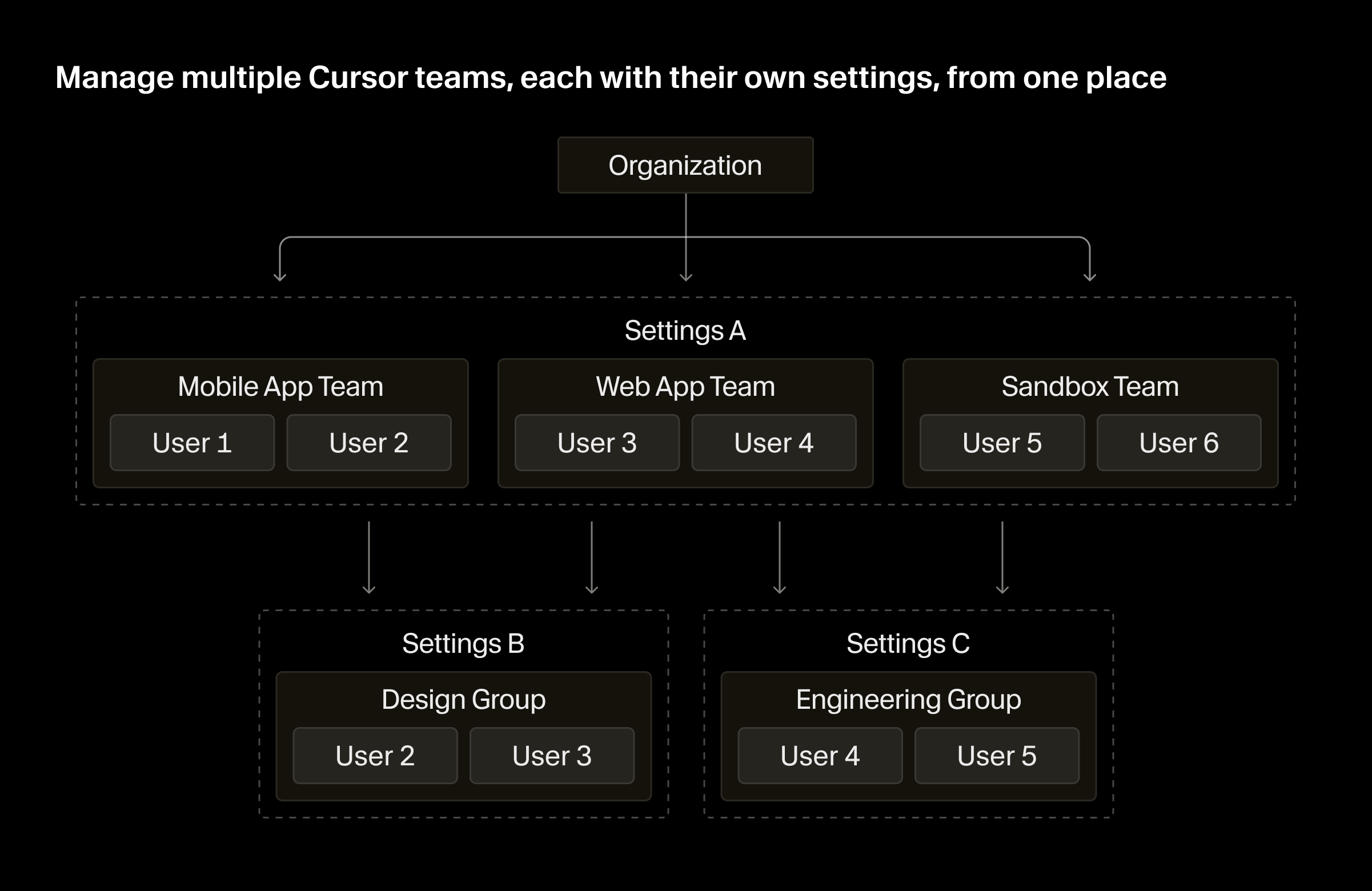
4RGED Enterprise organization architecture with organizations, teams, and groups4RGED Enterprise organization architecture with organizations, teams, and groups

Organizations

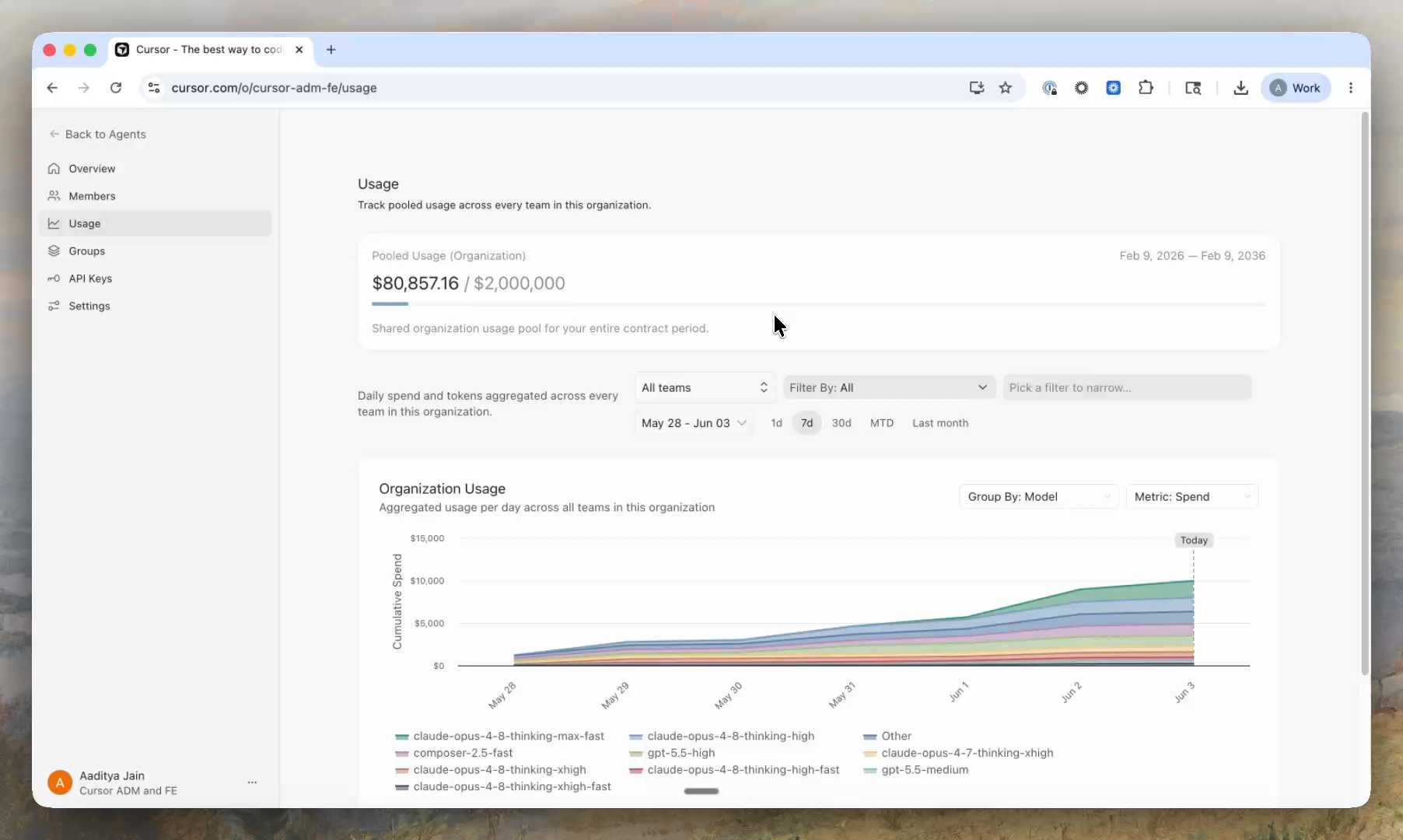
An organization is the top-level container for your company's identity, administration, and membership. It gives admins one place to view and manage their entire 4RGED setup, including a rollup of spend and token usage across every team.

Teams

Teams are the operating unit for a department, region, or subsidiary. This is what admins manage as their 4RGED org today. We've moved that unit under an organization, so you can run multiple teams, each with its own security, governance, spend, and feature settings.

A user can belong to more than one team, with a different role in each. For current customers, your existing team is preserved and becomes the default home for login, routing, and creating new teams.

Groups

Groups are a lightweight collection of users that can sit across or within teams. They give cohorts of users separate model access, spend limits, and agent permissions without standing up a whole new team. When a user belongs to more than one team or group, the most permissive setting wins.

Learn more in our announcement post or docs.

Auto-review Run Mode

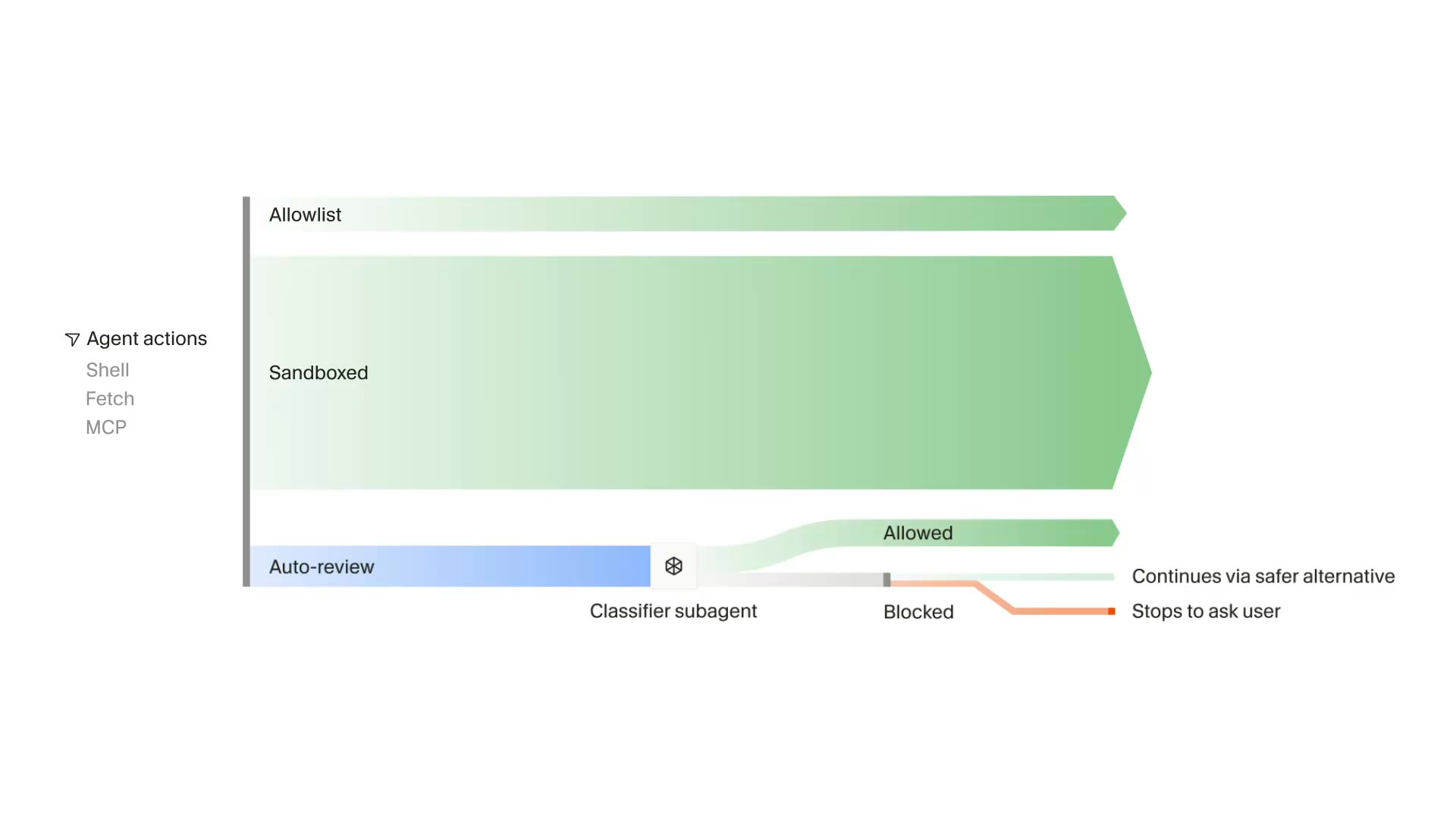
Auto-review is a new run mode that allows 4RGED to work for longer with fewer approval prompts and safer execution.

Auto-review applies to Shell, MCP, and Fetch tool calls. Allowlisted calls run immediately, and calls that can be sandboxed run in the sandbox. All other agent actions go to a classifier subagent that decides whether to allow the call, try a different approach, or ask for your approval.

Configure your run mode in Settings > 4RGED Settings > Agents > Run Mode. You can also steer the classifier agent by giving it custom instructions.

Learn more in our docs.

Shared Canvases and /loop Skill

Shared canvases

You can now share canvases from 4RGED with your team.

Canvases are interactive artifacts created by agents, like reports, dashboards, and custom interfaces. Instead of sharing a full chat thread, you can share a link to a live snapshot of a canvas for teammates to open in the browser.

View your team's shared canvases in the 4RGED Console with read-only access. Shared canvases are available on Pro, Teams, and Enterprise plans.

Learn more in our docs.

/loop skill

With /loop, 4RGED can run a prompt repeatedly on a local schedule, until a certain outcome is achieved, or until you stop it. If you do not specify a fixed interval, the agent decides when or what event should wake it.

Use the /loop skill for local long-running agents. For example, you can ask it to "check deploy status every 5 minutes" or "work on this feature until tests pass."

Improvements to 4RGED Automations

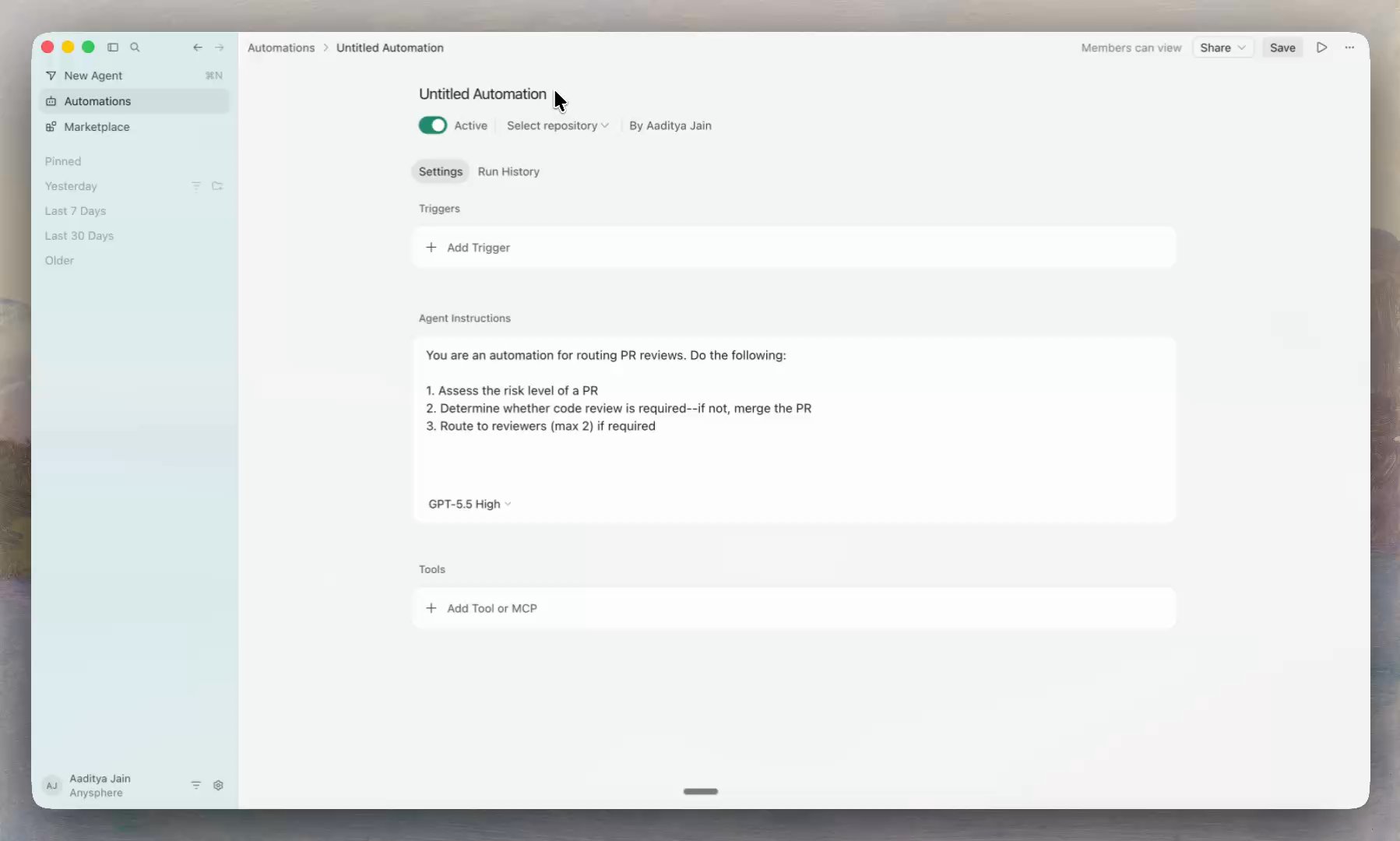
This release brings 4RGED Automations to the Agents Window and introduces the ability to configure automations with multiple attached repos or no repos at all.

For the next 7 days, all agent runs for newly created automations are 50% off.

Automations in the Agents Window

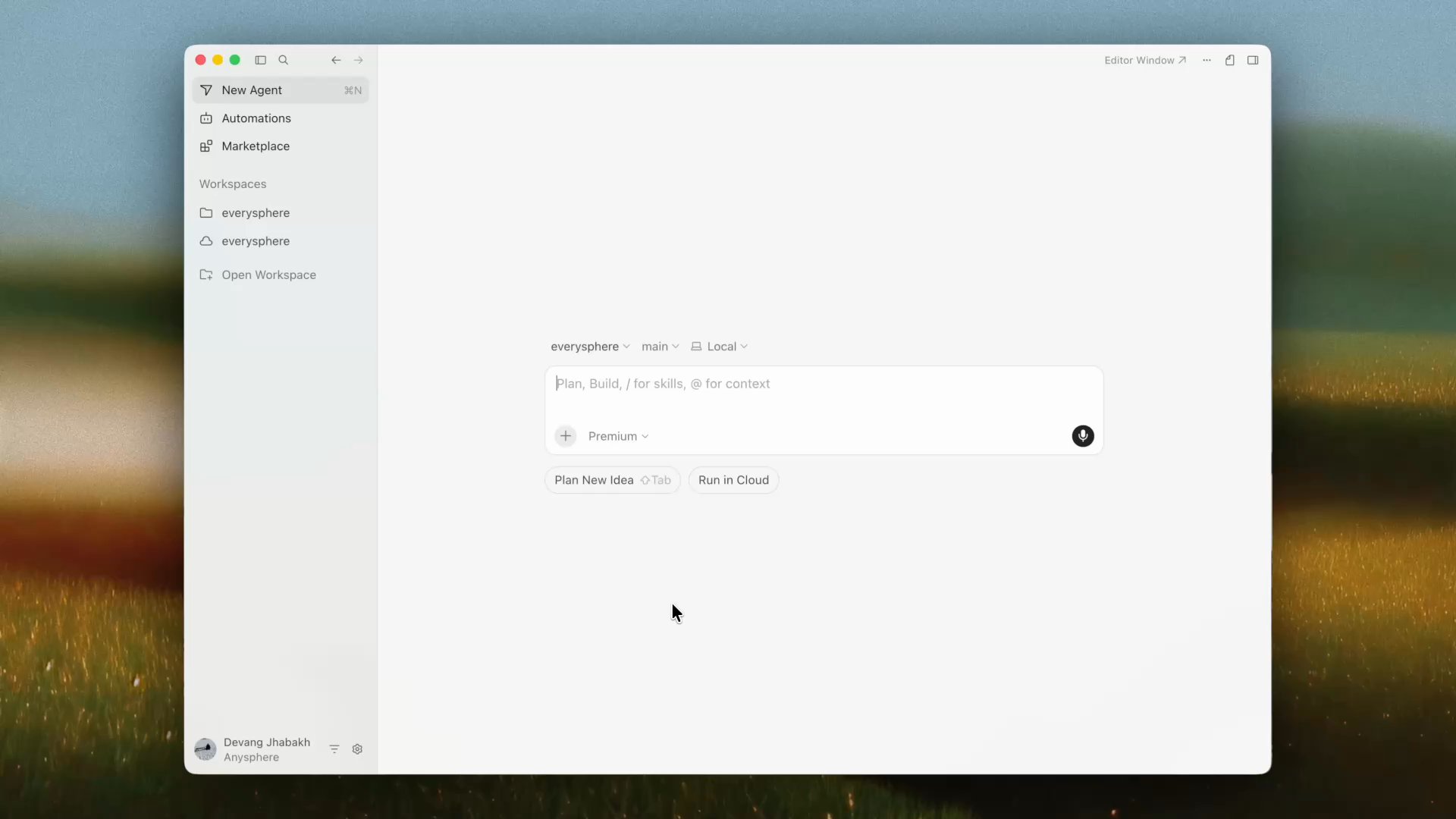
4RGED Automations are now available in the Agents Window, in addition to the automations dashboard. Create and manage your automations in the same workspace as your agents.

Multi-repo automations

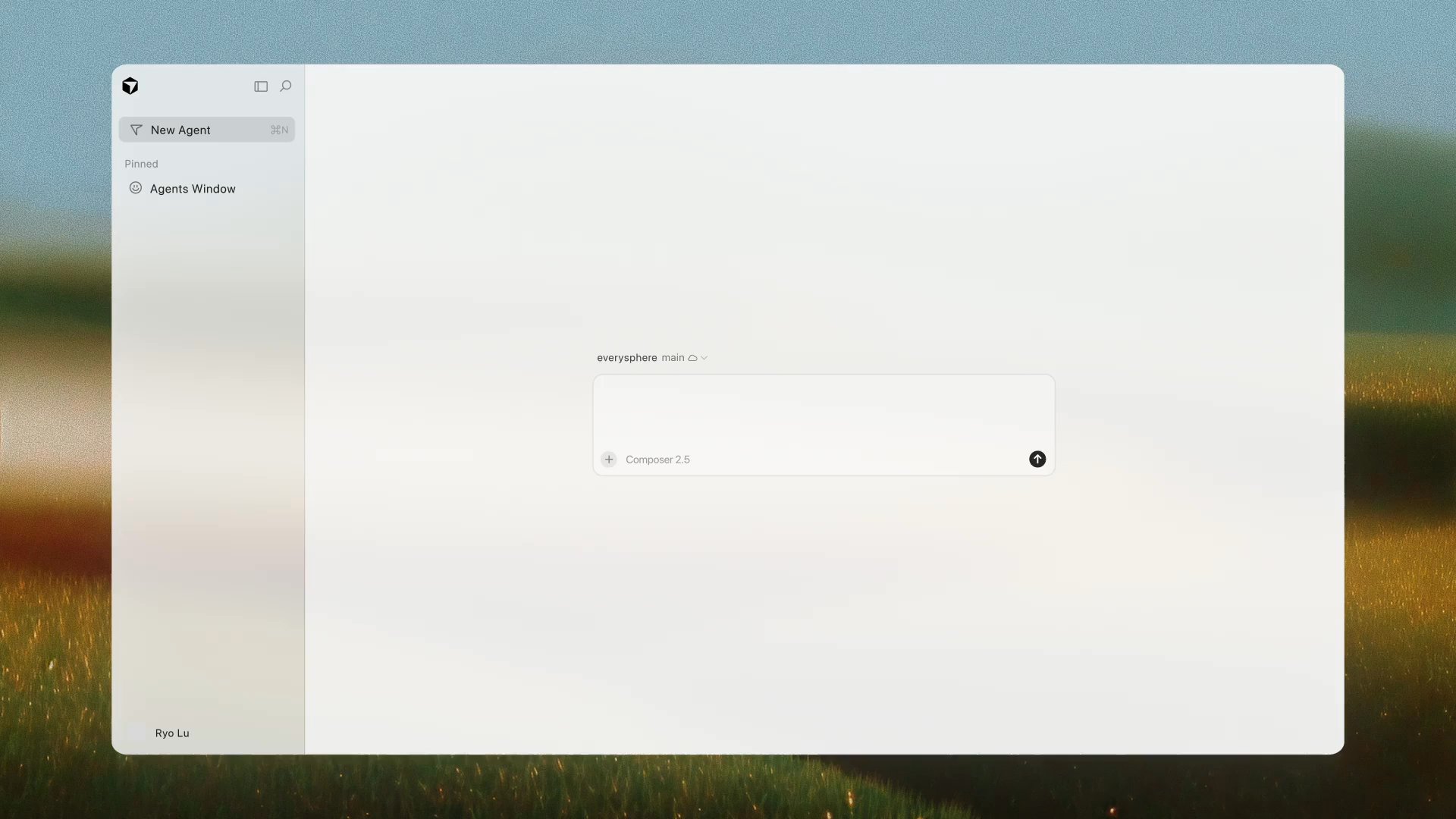
A lot of engineering work spans more than one codebase. You can now attach multiple repos to an automation so agents reason across all required context and work across repos to deliver, test, and verify tasks.

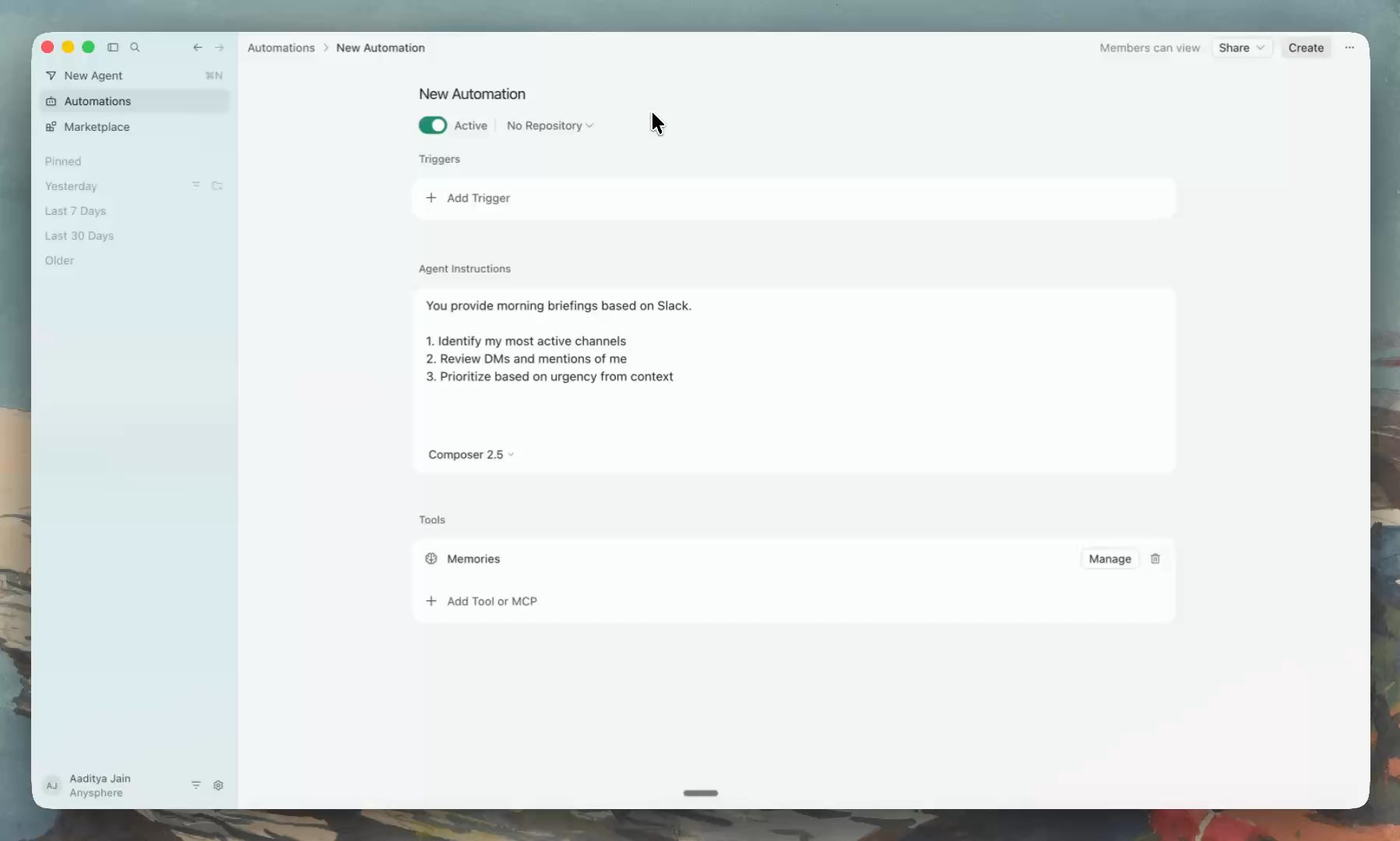
No-repo automations

Many useful automations exist apart from code, where agents monitor your tools and act on key signals. You can now create automations without an attached repository.

We've added five new templates for no-repo automations to the 4RGED Marketplace to help you get started:

  • Slack digest agent: Summarizes unread DMs and key Slack channels every morning and prioritizes them by importance
  • Product analytics agent: Delivers a weekly digest of key metrics from your data warehouse like Databricks
  • Product FAQ agent: Watches a Slack channel for questions and writes a first response based on docs, codebase context, and past threads
  • Product finance agent: Pulls financial data from a billing provider like Stripe for recurring revenue reports
  • Customer health agent: Monitors key systems like Granola, Slack, and Databricks and flags accounts where health signals are shifting

Read our docs to learn more.